GameBoy SP User Manual
Welcome to your new GameBoy SP from Retro Rummage Room. This manual is your comprehensive guide to getting started with your device, understanding its features, and knowing your warranty and repair options.
Table of Contents
- Introduction
- Getting Started
- Using Your GameBoy SP
- Maintenance & Care
- Warranty Information
- Repair & Service
- Troubleshooting
- Contact & Support
1. Introduction
Thank you for choosing the GameBoy SP from Retro Rummage Room. We’re dedicated to providing you with a genuine retro gaming experience combined with modern reliability. This manual is intended to help you get the most out of your device, whether you’re a long-time collector or new to handheld gaming.
2. Getting Started
What’s in the Box
- GameBoy SP Console
- Battery Pack
- AC Charger
- User Manual (Printed Copy)
- Warranty Card
Device Overview
Your GameBoy SP features:
- A reflective, backlit screen for improved visibility.
- A sleek, portable design that fits comfortably in your hands.
- An intuitive interface with a physical power switch for ease of use.
- Well-placed buttons ensuring smooth gameplay.
3. Using Your GameBoy SP
Powering On/Off
- To Power On: Slide the power switch to the ON position.
- To Power Off: Slide the power switch to the OFF position.
Note: The screen may gently fade out during transitions to enhance the retro experience and help preserve battery life.
Charging Instructions
- Connect the AC adapter to the console.
- Plug the adapter into a standard wall outlet.
- The charging indicator will light up—allow 3-4 hours for a full charge.
- Unplug after charging to maintain battery longevity.
Game Insertion and Play
- Open the game slot using the latch.
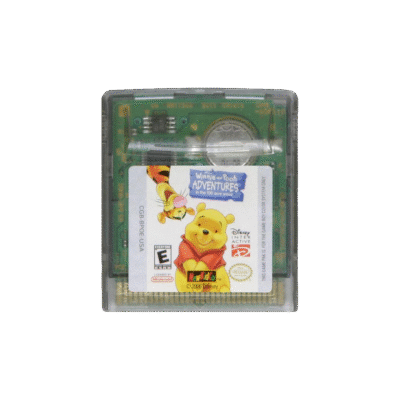
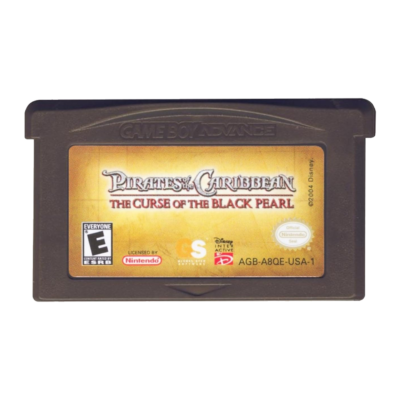
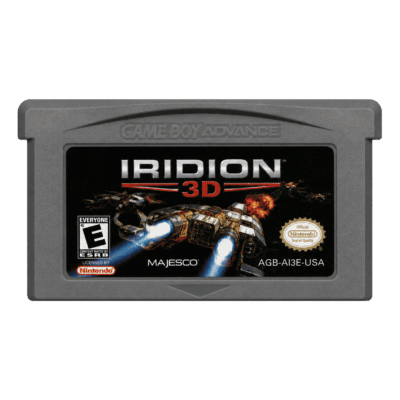
- Insert your GameBoy cartridge with the label facing up.
- Close the slot and press any button to start the game.
4. Maintenance & Care
- Cleaning: Use a soft, dry cloth to clean the screen and exterior. Avoid using liquids or abrasive materials.
- Storage: Keep your GameBoy SP in a cool, dry place. Extreme temperatures may affect performance.
- Battery Care: Recharge periodically even if not in use to prevent battery degradation.
5. Warranty Information
Your GameBoy SP comes with a 90-day limited warranty covering:
- Defects in Craftsmanship: Manufacturing defects will be repaired or replaced at no cost.
- Replaced Parts: Any parts replaced under warranty will be provided at no additional charge.
Please Note:
- The warranty does not cover damage resulting from user modifications, alterations, misuse, or accidental damage.
- Cosmetic wear and tear is not covered.
- Any unauthorized repair attempts will void the warranty.
For full warranty details, please refer to the Warranty Policy.
6. Repair & Service
If your GameBoy SP needs repair:
- Visit Our Repair Center: Head to www.retrorummageroom.com/repair to initiate a repair request.
- Warranty Repairs: If the issue is covered under warranty, follow the instructions provided on the repair page.
- Out-of-Warranty Repairs: For non-covered issues, our repair team will provide a quote before proceeding.
Simply fill out the repair form with your device’s details, a description of the issue, and your contact information. Our support team will respond promptly with next steps.
7. Troubleshooting
Here are additional troubleshooting steps you may find helpful:
- Device Won’t Power On:
- Ensure the battery is charged.
- Verify that the AC adapter is securely connected.
- Make sure the power switch is fully in the ON position.
- Screen Issues:
- If the screen remains dark or flickers, confirm that brightness settings are adjusted (if applicable).
- Disconnect and then reconnect the battery.
- Inspect the screen for any visible damage.
- Button Malfunctions:
- Gently clean around the buttons with a soft, dry cloth.
- If buttons stick or feel unresponsive, try pressing lightly around the affected area.
- Restart the device to see if the issue persists.
- Audio Problems:
- Check that the volume is turned up.
- Inspect the speaker area for obstructions.
- Test using headphones to determine if the issue is with the speaker.
- Cartridge Issues:
- Remove and reinsert the game cartridge.
- Clean the cartridge contacts with a soft, dry cloth.
- Test with another cartridge to verify if the issue is cartridge-specific.
- Charging Issues:
- Confirm that the wall outlet is functioning.
- Examine the AC adapter for signs of damage.
- If available, try using a different charging cable.
- General Performance Lags:
- Remove the battery, wait a few minutes, then reinsert it.
- Check for any available firmware updates on our support page.
If the above steps do not resolve your issue, please contact our support team for further assistance.
8. Contact & Support
For further assistance, questions, or to report issues, please reach out to our customer support:
- Email: support@retrorummageroom.com
- Phone: (XXX) XXX-XXXX
- Live Chat: Available on our website
We are committed to ensuring your gaming experience is nothing short of exceptional. Enjoy your journey back in time with your GameBoy SP!
This manual is subject to change. Please check our website for the most current version.